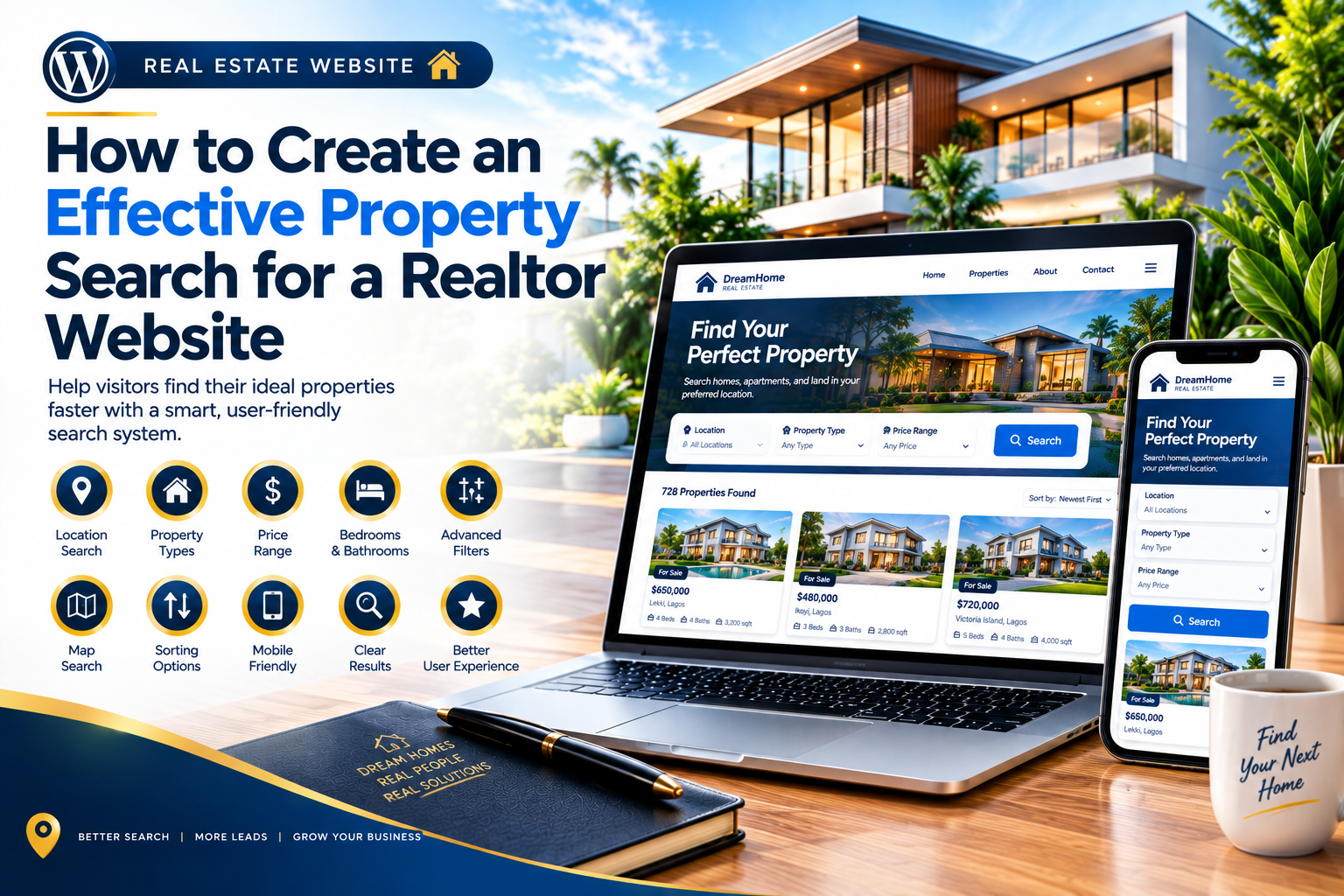
A property search feature is one of the most useful tools on a real estate website. Instead of scrolling through every available listing, visitors can enter their requirements and quickly find properties that match their needs. For realtors, an effective search system can improve the user experience and make it easier for potential clients to discover suitable properties.
WordPress provides flexible options for creating real estate websites with search and filtering functionality. Here are important steps to consider when building an effective property search.
1. Keep the Search Simple
The search interface should be easy to understand from the moment visitors arrive. Avoid overwhelming users with too many fields at once. Start with the most important options, such as location, property type, and price range.
Additional filters can be provided for visitors who need more specific results.
2. Add Location Search
Location is one of the most important factors in property searches. Allow visitors to search by city, neighborhood, postcode, or other relevant areas.
A location-based search helps users quickly focus on properties available in the areas they are interested in.
3. Include Property Types
Give visitors the ability to select the type of property they want. Options may include houses, apartments, condos, land, offices, or other property categories relevant to the realtor’s business.
Clearly labeled property types make the search process easier.
4. Add Price Filters
Price is another major factor for property buyers and renters. Include minimum and maximum price options so users can narrow results according to their budget.
Make sure prices are displayed consistently and use the appropriate currency for the target market.
5. Add Bedroom and Bathroom Filters
For residential properties, bedroom and bathroom filters can make the search more useful. A visitor looking for a three-bedroom house should be able to narrow the results without manually checking every listing.
These filters are especially useful when a website contains many properties.
6. Use Useful Property Features
Depending on the website, additional filters can include property size, parking, furnished status, amenities, year built, or other relevant characteristics.
Only include filters that are actually supported by the available property data. Too many unnecessary options can make the interface confusing.
7. Provide Map-Based Search
A map can give visitors a visual understanding of where properties are located. If supported by the website’s real estate tools, users can browse listings on a map while comparing different locations.
Map functionality can work alongside traditional search filters.
8. Display Clear Search Results
Search results should present important information at a glance. Each property card can display the main image, price, location, property type, bedrooms, bathrooms, and a link to view full details.
A consistent layout makes it easier for visitors to compare different properties.
9. Add Sorting Options
Allow users to organize search results according to their preferences. Useful sorting options may include price from low to high, price from high to low, newest listings, or featured properties.
Sorting can help users reach the most relevant listings faster.
10. Make Search Mobile-Friendly
A property search should work just as well on smartphones and tablets as it does on desktop computers. Search fields, filter menus, property cards, maps, and buttons should be easy to use on smaller screens.
Test the search feature regularly to ensure filters return accurate results and the interface remains easy to navigate.
Conclusion
An effective property search can make a realtor website significantly easier to use. By combining simple search fields with location, property type, price, bedroom, bathroom, and relevant feature filters, visitors can find suitable properties more efficiently. Clear results, sorting options, map functionality, and responsive design can further improve the experience. With a well-planned WordPress property search, realtors can create a website that helps potential buyers move from browsing to property enquiries more easily.
Leave a Reply